


Currency Conversions (Payables)

May 15, 2026
 317
317
Understand how currency works across invoices, payouts, and repayments — and how to choose the right setup when creating an order.
How currency works in Treyd
There are three key places where currency matters:
- Supplier Invoice currency – The currency on your supplier invoice
- Payout currency – The currency sent to your supplier
- Repayment currency – The currency you repay Treyd in
In most cases, these are the same — but not always.
Where conversions happen
Currency conversion may happen at different stages depending on your setup:
At order creation (FX preview)
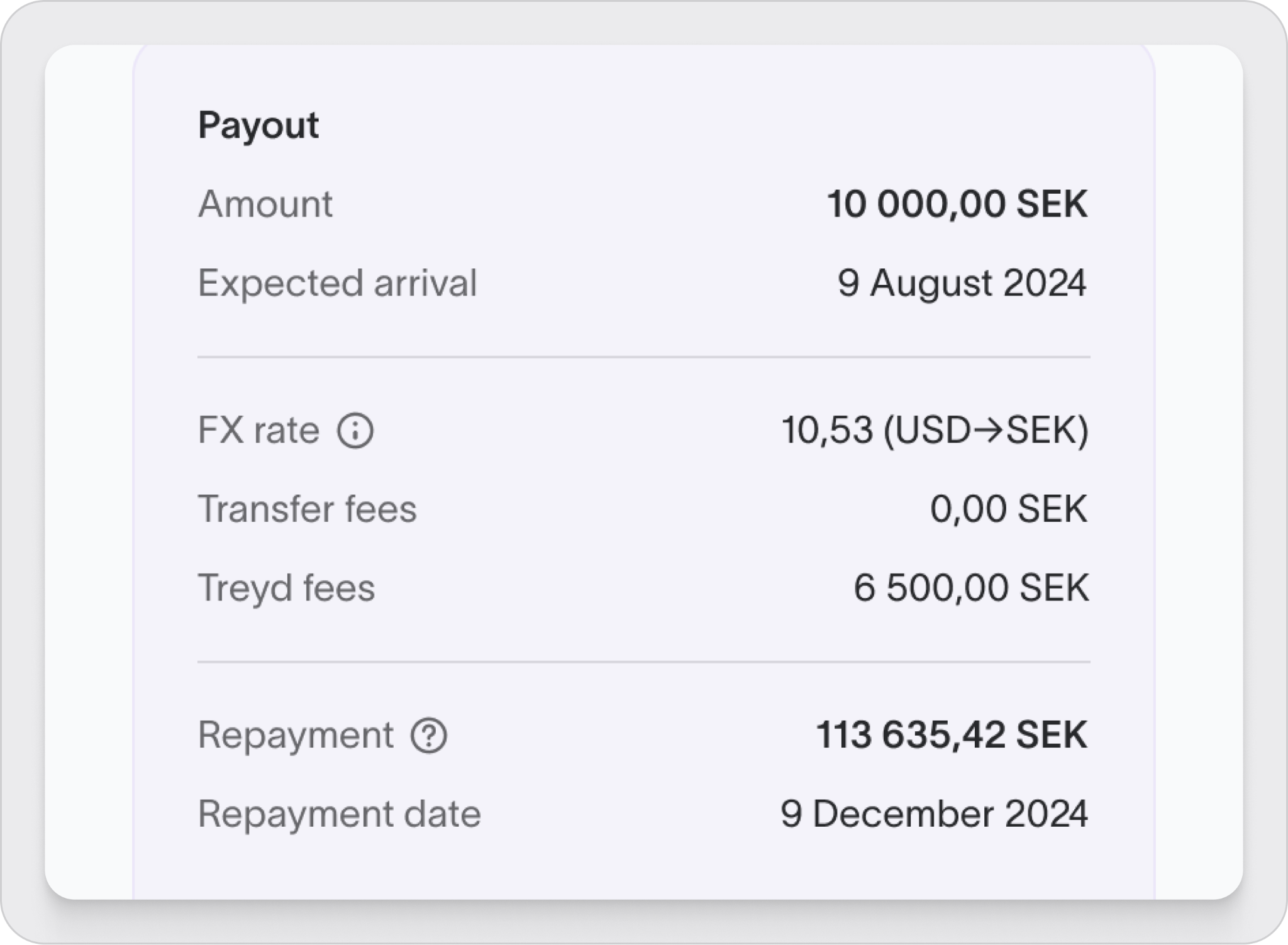
- You’ll see an FX rate applied when setting up the order
- This rate may fluctuate until you sign (The rate is updated hourly based on the current FX rate)
- The FX rate displayed when you sign the order is locked in and will not change
Wrap-up
Currency conversion occurs only once: when you pay out an order in a currency different from the limit's issued currency. Aligning currencies and double-checking details before signing prevents delays and simplifies reconciliation.

