


 304
304
Once we’ve paid your supplier, it’s time to repay the invoice.
This guide shows you how to find your payment details and complete your repayment.
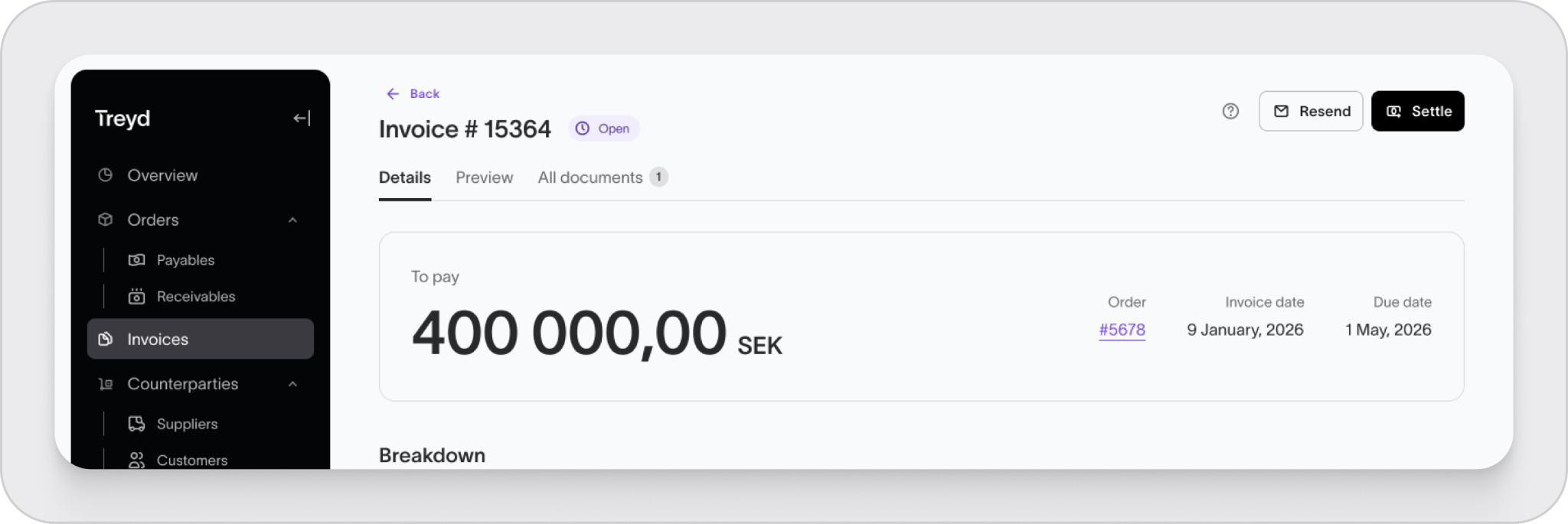
How to make a repayment
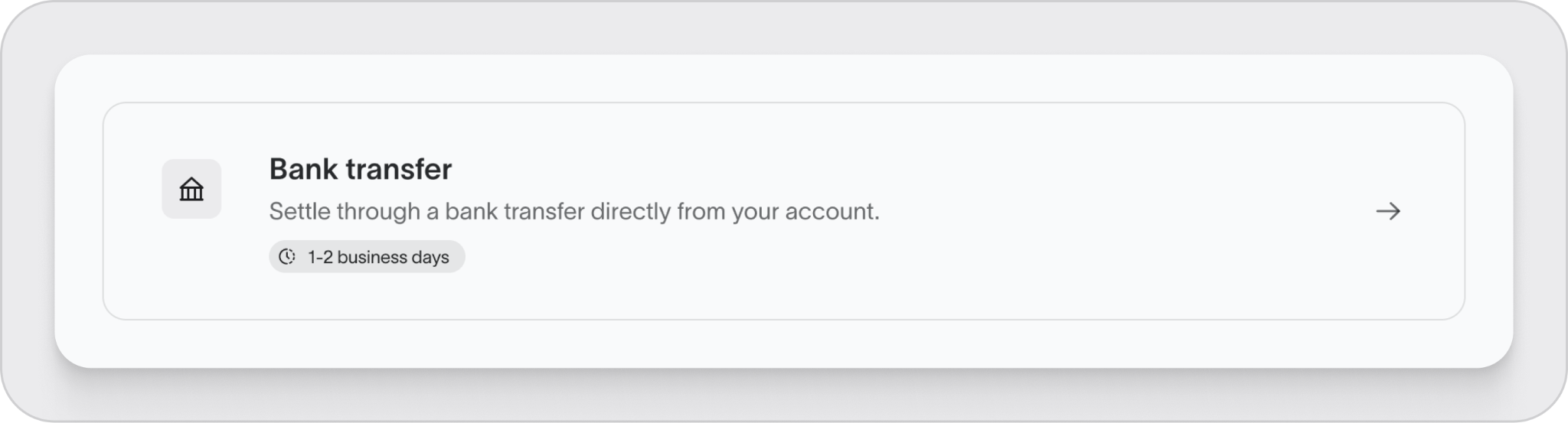
Repayments are made via bank transfer from your account to Treyd.
The payment details can vary depending on:
- Your location
- The currency
- The financing partner assigned to you
Because of this, always use the payment details shown on your specific invoice.
Find your payment details
- Log in to the Treyd platform
- Go to Invoices
- Select the invoice you want to repay
- Click Preview
- Scroll to the bottom
You’ll find all the details needed to complete the transfer.
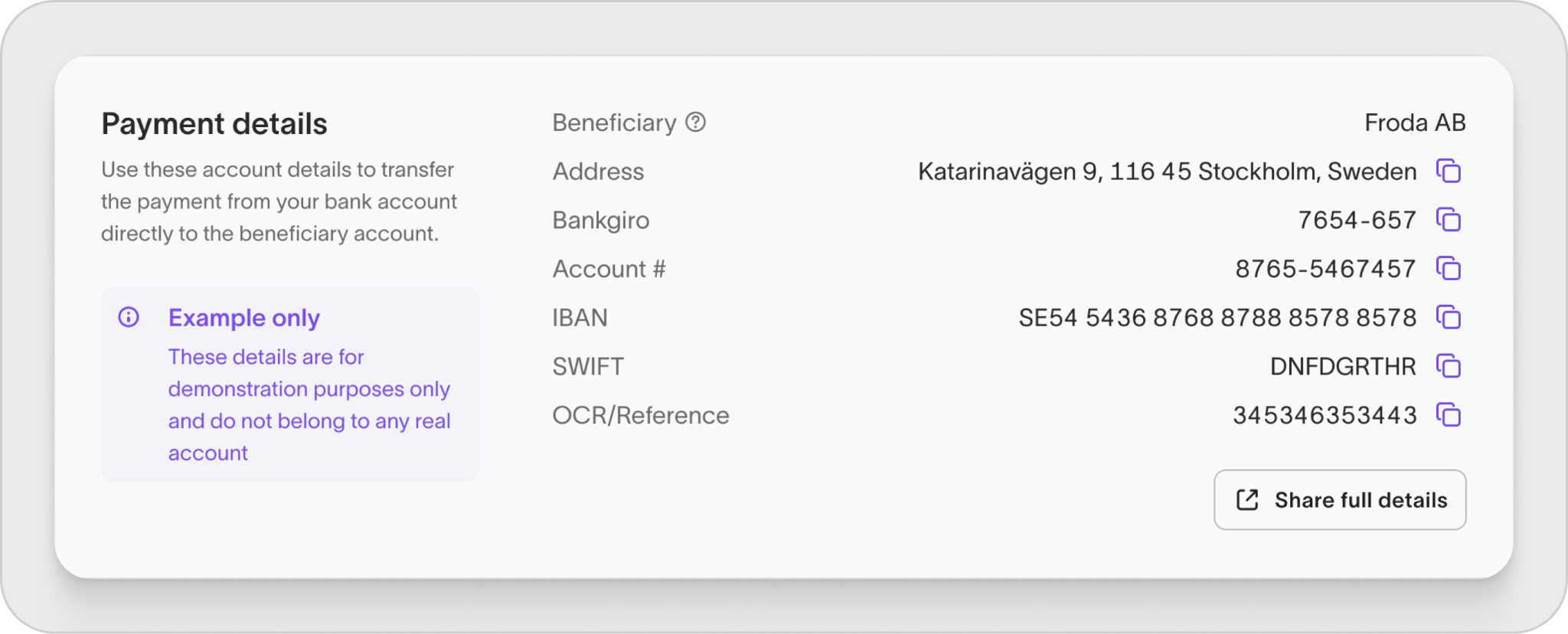
Payment details you may see
Depending on your setup, your invoice may include:
- Local payment details (e.g. account number and sort code)
- International payment details (IBAN and SWIFT/BIC)
Before you pay
To avoid delays, make sure to:
- Send the payment exactly as shown on the invoice
- Pay in the same currency
- Cover any bank fees so the full amount arrives
What happens after payment
- Once we receive your payment, the invoice moves to Closed
- Your credit limit is updated and becomes available again
Transfer times
International transfers can take up to 5–7 days to arrive.
If your payment hasn’t been reflected after this time, please contact support.
Summary
Repayments are made by bank transfer using the exact details on your invoice. Once received, your invoice is closed and your credit limit is restored.

